
WINS
Know what’s moving. Know what happens next.
WINS runs your warehouse from your teams' mobile terminals, from the dock to the customer. It keeps your ERP up to date, natively with Microsoft Dynamics 365 Business Central, and connects with MINS on manufacturing sites.
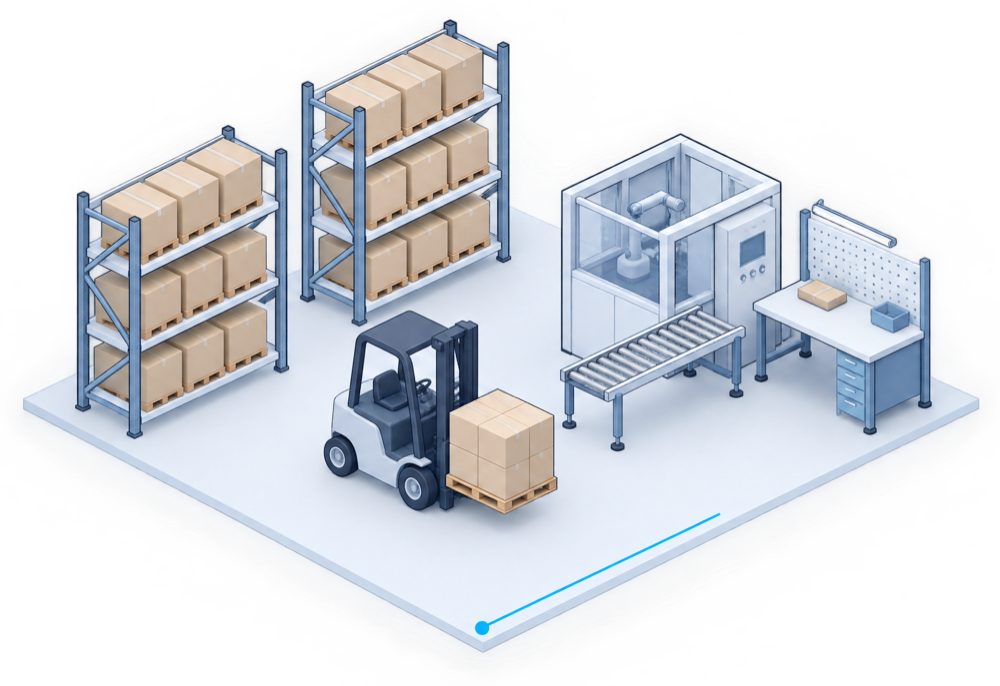
Seven modules, from the dock to the customer.
Each module covers one warehouse operation, on the mobile terminal, and keeps your ERP up to date as the work is done.
Receiving
Goods are scanned and checked in against what was expected, with lots and best-before dates recorded.
Put-away
Each pallet is placed at a known location, chosen for the space and the next movements.
Replenishment
Picking locations are refilled from reserve stock before they run empty.
Picking
Guided picking, in the right order, with a check before the order leaves.
Production
Materials issued to production orders and finished goods received back into stock.
Inventory
Counts and stock adjustments, location by location.
Manual tasks
Movements that fall outside the usual flows, recorded all the same.
On the mobile terminal
Each module shows its tasks as they come, with native scanning and screens designed for the floor.
Request a WINS demo
Designed for the realities of the warehouse.
WINS brings structure and visibility to daily operations, so your teams work with confidence.
Traceability at each step
WINS keeps track of each pallet from receiving to shipping, so you know where goods are and what happened to them.
Clear priorities
Preparation is organised so teams know what to do next, even when priorities change during the day.
Stock you can trust
Stock information is kept consistent with what is physically in the warehouse.
ERP connection
WINS works alongside your ERP and keeps it up to date. Supervisors get a clear view of activity, shared with Insight.
The same work, before and with WINS.
Four everyday situations, today and with WINS.
Inbound operations
- Today
- Goods are checked in on paper and keyed in later, so what arrived is only known after the fact.
- With WINS
- Receive goods in a structured way, so what arrives is checked and known before it is stored.
Storage and stock
- Today
- Finding a pallet depends on the people who remember where it was put.
- With WINS
- Know where goods are stored and keep stock information consistent with what is physically in the warehouse.
Preparation and shipping
- Today
- Priorities change during the day and reach the floor by word of mouth.
- With WINS
- Organize the preparation of orders and their dispatch, so teams know what to do next.
Link with production
- Today
- Materials and finished goods move between the warehouse and the floor without a shared record.
- With WINS
- Materials and finished goods move between the warehouse and the shop floor in the same flow; production execution and quality are handled by MINS.
Traceability and compliance.
Follow each product from its arrival to its departure, and produce traceability reports in a few clicks.
Complete scan history
Every scan is kept: what was scanned, where, when and by whom.
Audit log
A detailed record of operations, ready for traceability reports.
Lots, best-before dates, serial numbers
Each product followed from its arrival to its departure.
Compliant labels
Labels generated at receiving, GS1-compatible.
WINS sits between your ERP and the floor.
Integration and security follow the standards of your Microsoft environment.
Native connection to Business Central
WINS connects directly to Microsoft Dynamics 365 Business Central, without middleware. For another ERP, the connection is reviewed with you.
Roles and permissions
User rights follow those set in your ERP.
Single sign-on
Users sign in with their Microsoft account (Microsoft Entra ID).
Encrypted exchanges
Communication between the terminals and the ERP is encrypted (TLS).
Frequently asked.
What teams usually ask before a demo.
Does WINS replace our ERP?
No. WINS handles warehouse operations and works alongside your ERP, which remains your system of record.
Which ERPs does it work with?
WINS connects natively to Microsoft Dynamics 365 Business Central. It is designed to work with other ERPs too; we review your environment and the connection approach with you during the demo.
Can we start with WINS on its own?
Yes. The ecosystem is modular: WINS can be used alone and connected to other Inovasys solutions later.
We also manufacture. How does WINS work with production?
WINS manages materials and finished goods; MINS steers production execution and quality on the floor. The two exchange data, so the flow between warehouse and production stays continuous.
Complementary solutions.
Add them when your next priority calls for it.
Document Operations
OCR Agent
OCR Agent — document capture, classification and routing, from the mailroom to your ERP.
- Paper and digital documents captured
- Classification and field extraction
- Routing to the right workflow
Planning & Optimization
Cortex
Rules and optimization engine for planning and assignments.
- Your business rules, applied
- Planning and assignments
- For production and warehouse teams
Business Insights
Insight
KPI dashboards and simplified, AI-assisted analysis.
- KPI dashboards
- Simplified, AI-assisted analysis
- Data from your other solutions
Seven solutions in all
Each one works on its own and connects to the others through your ERP.
See all solutions
Start with WINS, add the next solution when you need it.